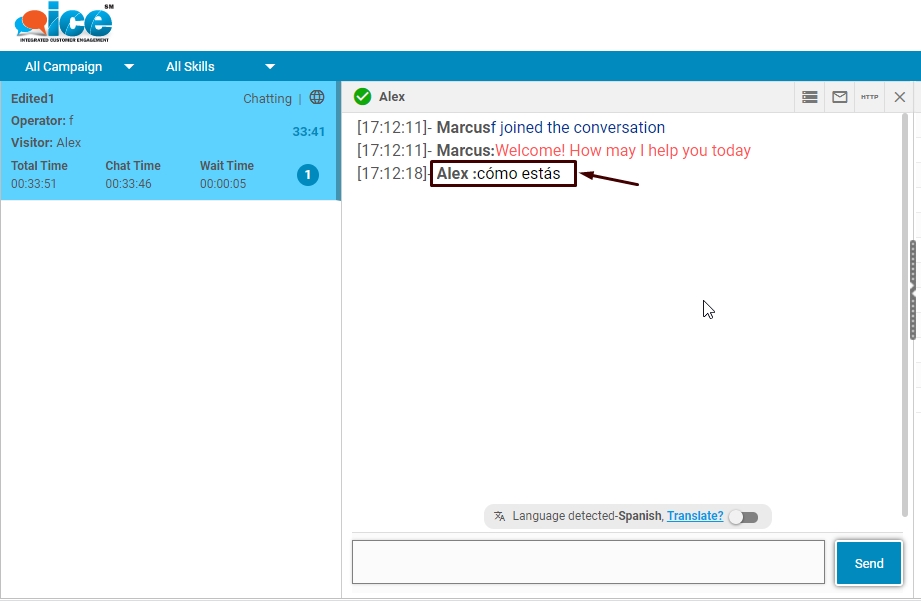
This feature helps to translate a native language of a visitor to supervisor’s preferred language in real time. In this way, this feature allows the visitors to interact in their preferred languages with agents.
When a visitor types in his/her preferred language in visitor console as shown in the below screen
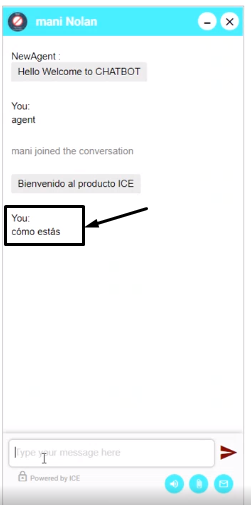
The supervisor receives the same message in his/her preferred language on console-
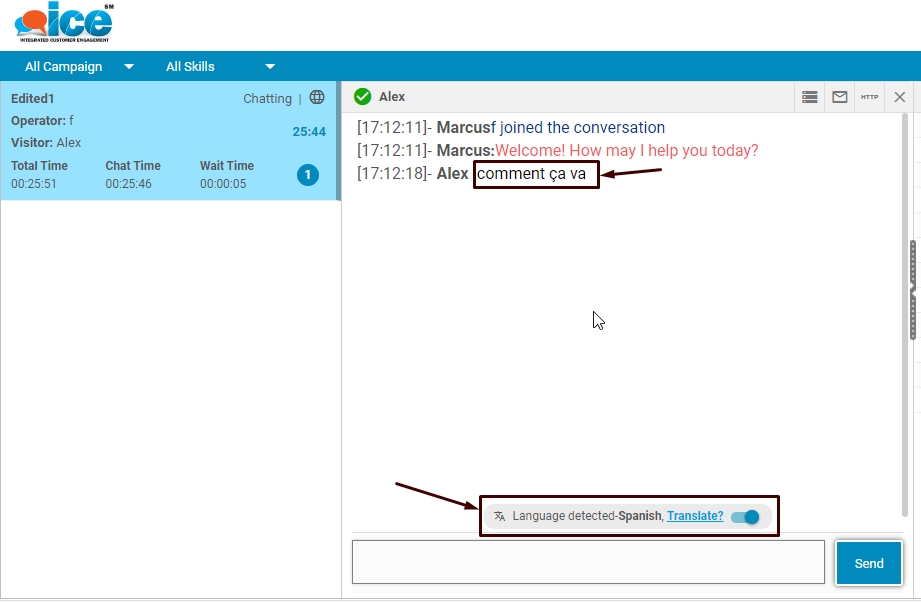
Also highlighted in the above screen is the language detector, which displays the language used by visitor. A supervisor can reply in his/her preferred language. The same message converts in visitor’s native language as shown below-
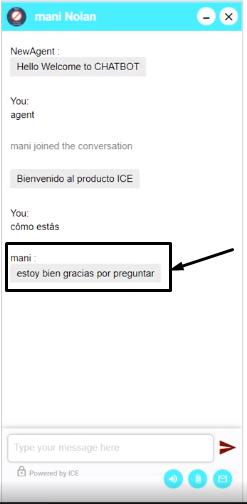
A supervisor also has the option to disable the language detector. With this action, all the messages received in supervisor console will convert in the language as replied by the visitor-