Click Profile under User account to view or update the profile as shown highlighted in the below image.
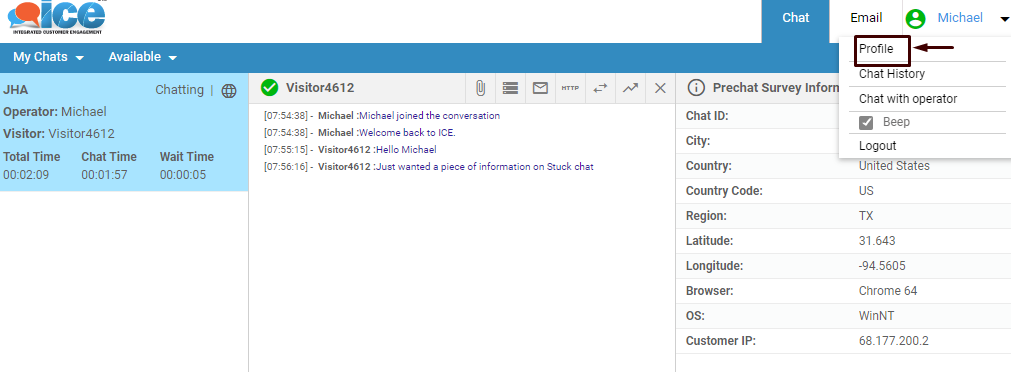
Update Profile
A popup window will be displayed to the user on the same screen just as the one as shown below-
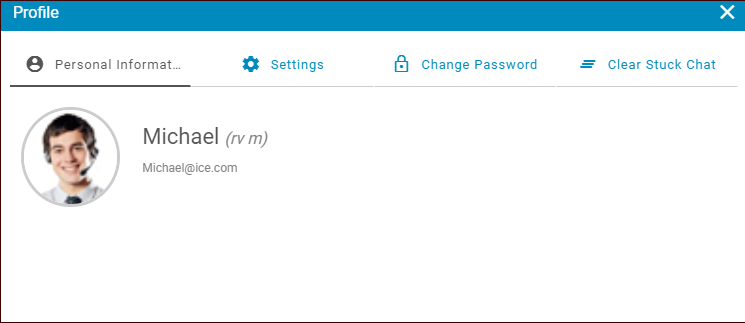
The popup displays four (4) different tabs as seen in the above screen. These include-