This is the second tab of the user profile window and is displayed to the user as shown below-
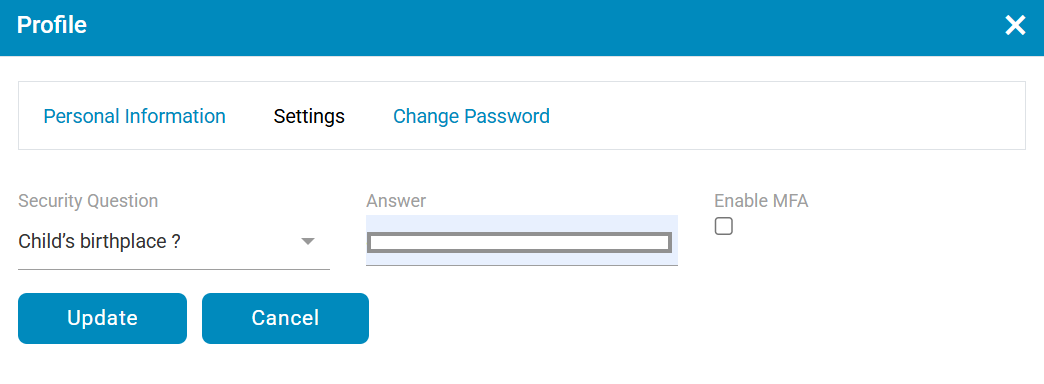
- Select a security question from the list of options
- Provide an associated answer of the selected question in Answer field
- Enable MFA Checkbox : Enable this option to allow users to optionally turn on Multi-Factor Authentication (MFA) from their profile settings and complete two-factor authentication during login.
- Click
 button to update and
  button to cancel the settings.