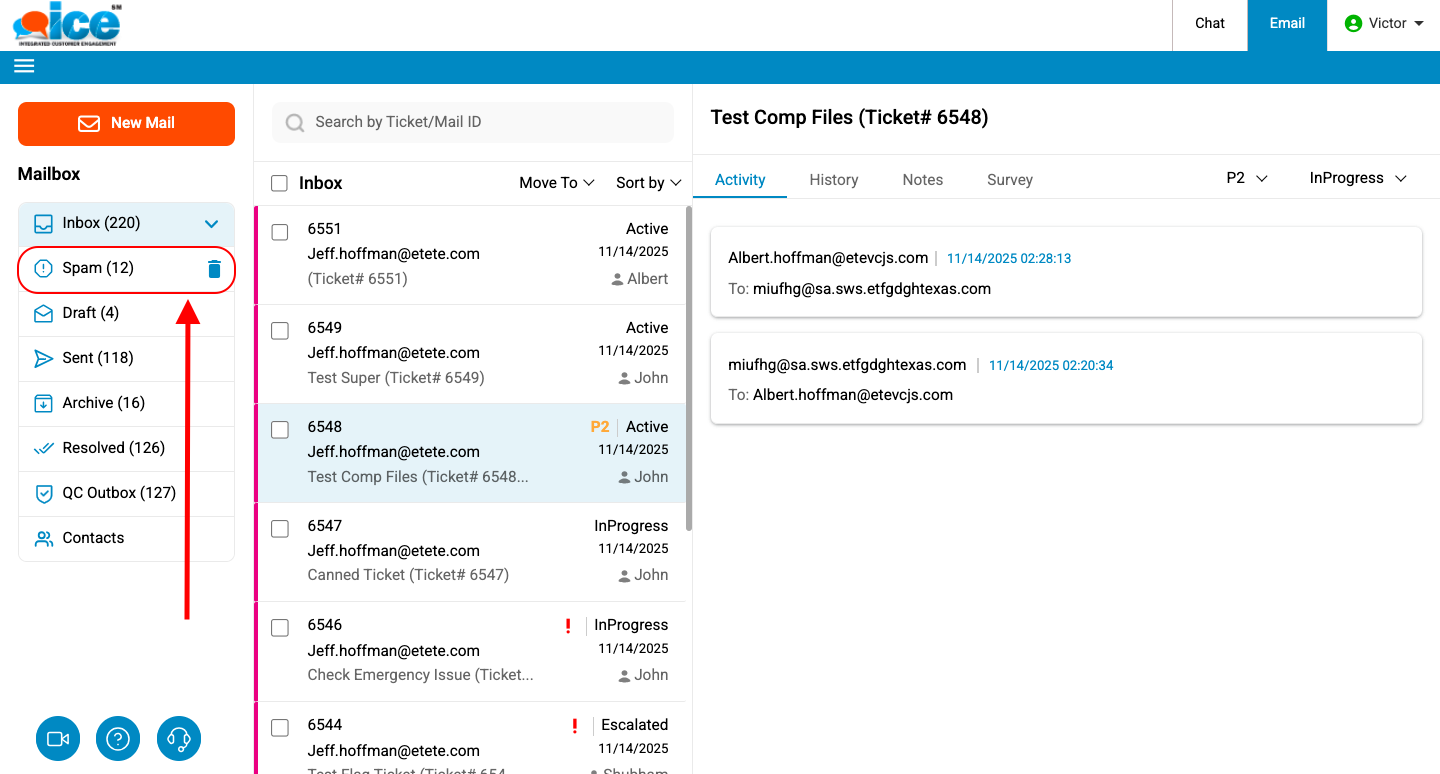
A list of all spam emails is displayed in the Email Grid as shown in the screen below.
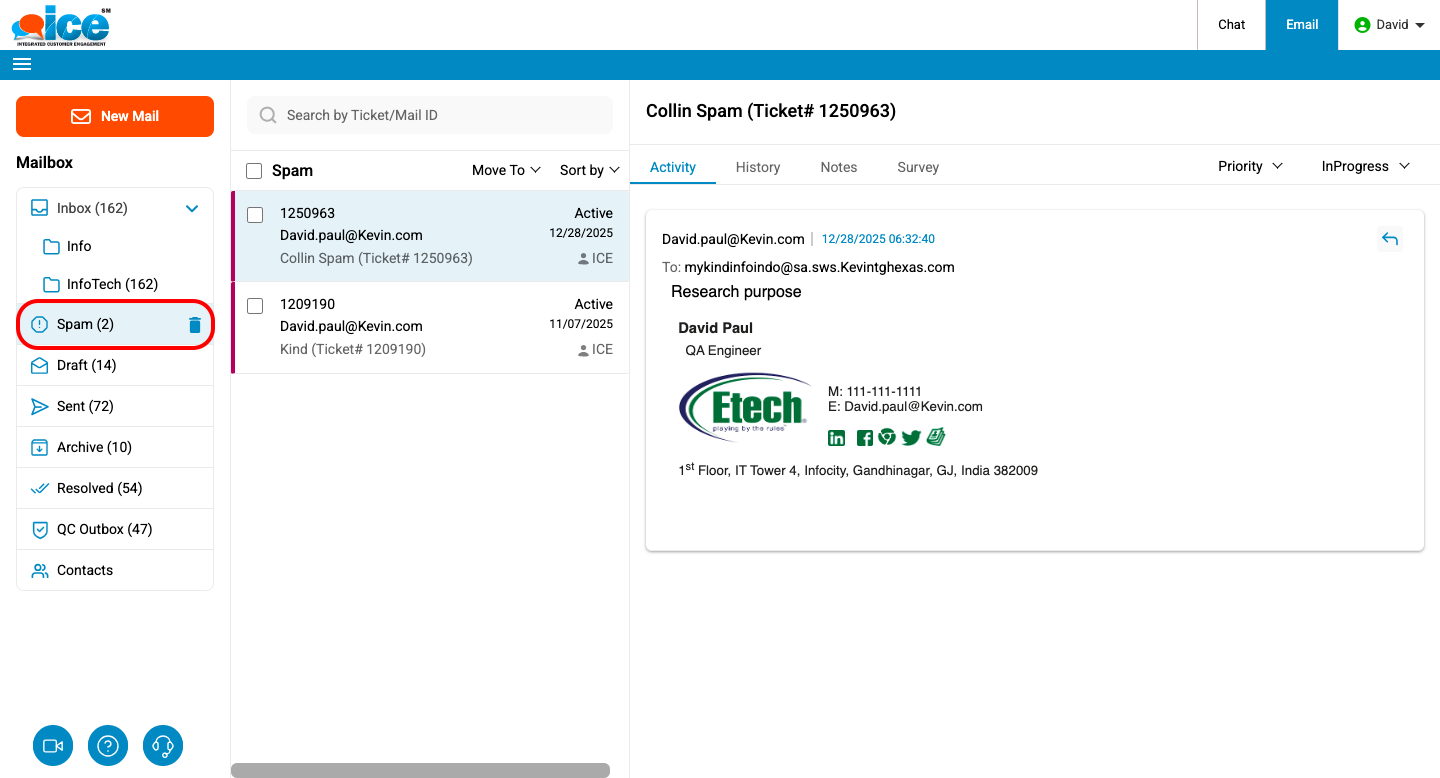
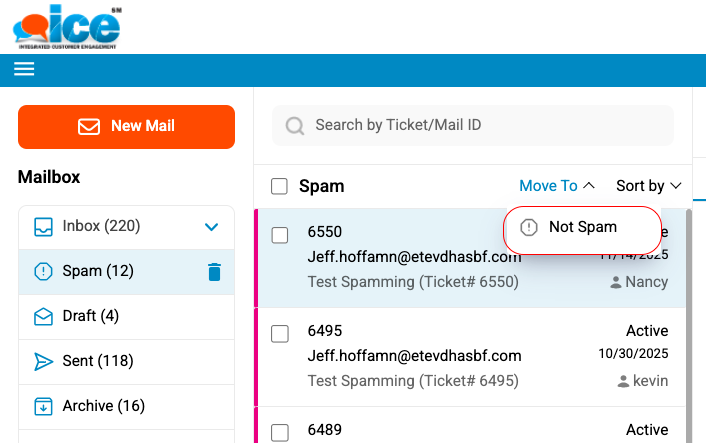
An operator can further select on any Spam email and take action as per requirement. An operator can either view ticket or send the ticket back to Inbox by clicking  button as shown below.
An operator can click Delete  icon to remove all spam items in a single action.
Note: When deleting tickets from the Spam folder, only tickets that are assigned to an agent are soft-deleted. Unassigned tickets are not deleted and will remain in the folder.