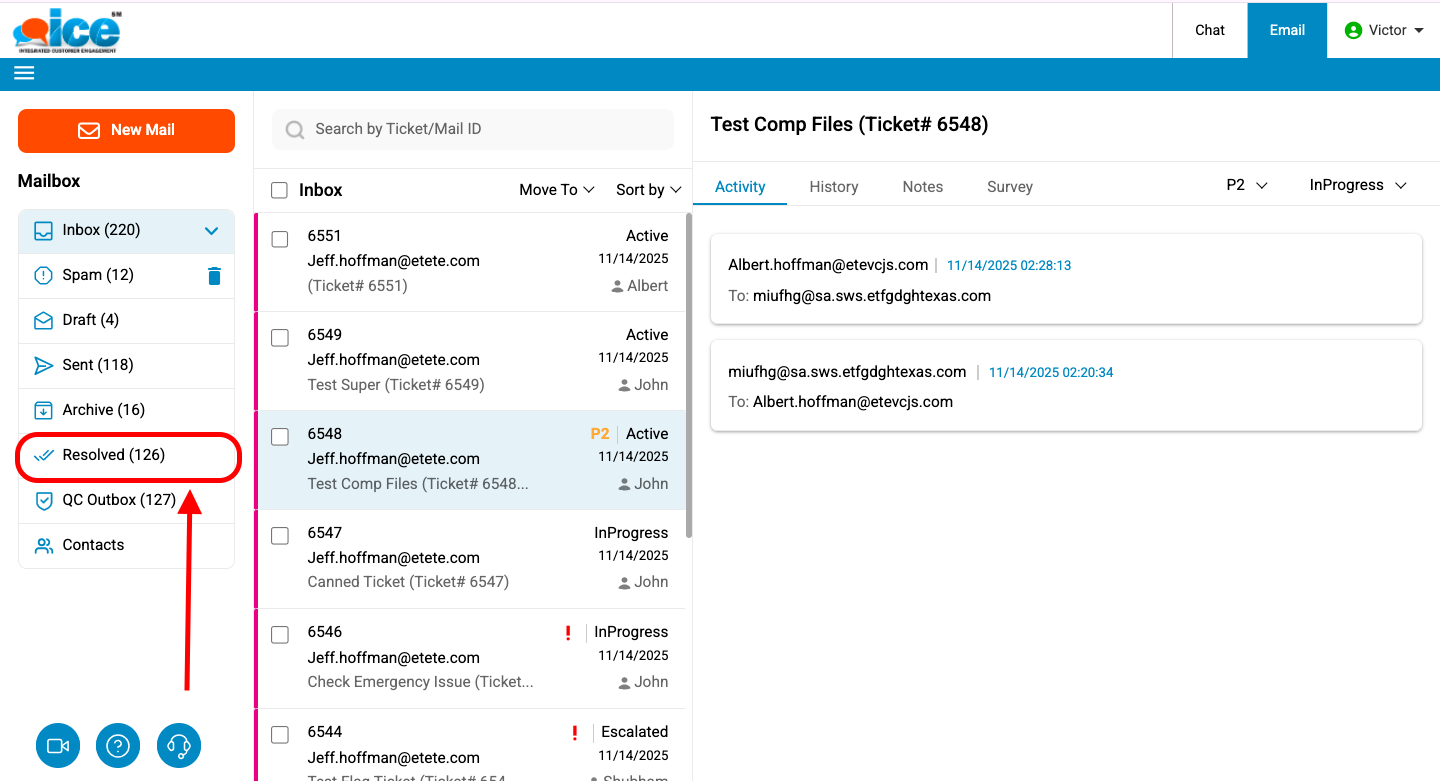
Click Resolved to view all the resolved tickets. This is as shown in the image below.
A list of all the tickets whose status is Resolved is displayed in the Email Grid as shown in the screen below.
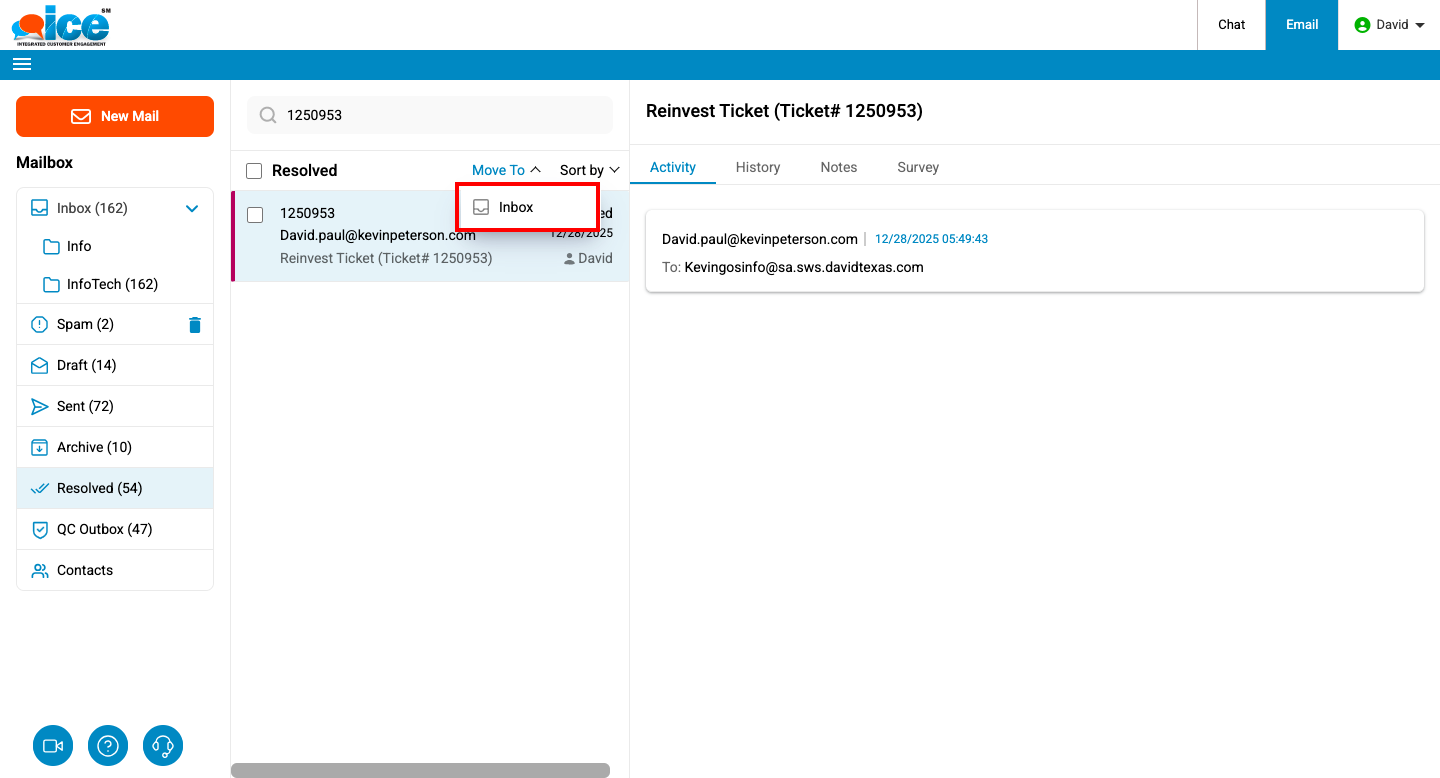
Click Resolved to view all the resolved tickets. This is as shown in the image below.
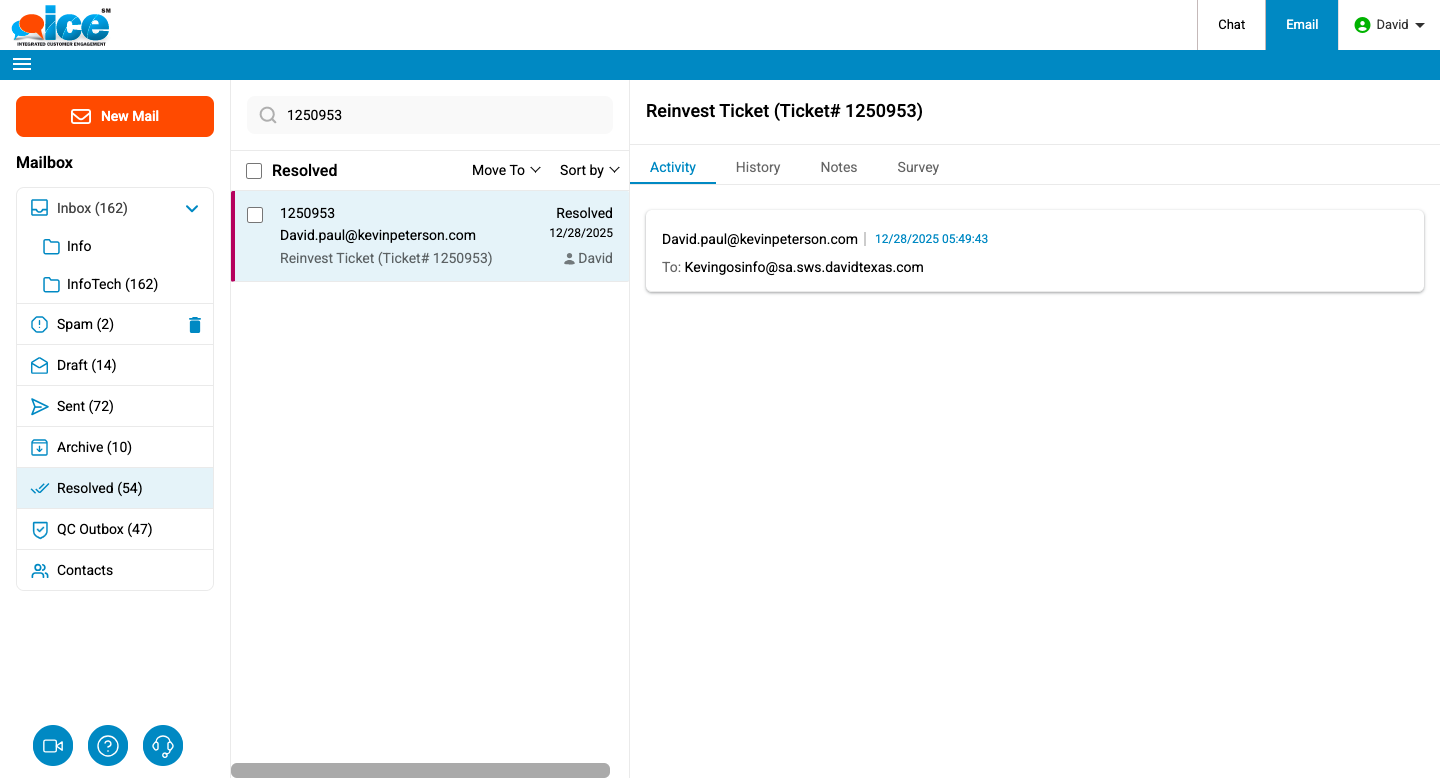
A list of all the tickets whose status is Resolved is displayed in the Email Grid as shown in the screen below.