Notes tab displays the notes attached to a particular ticket.
- Click Notes tab to view notes as displayed in the screen below.
- An operator can also add notes to the ticket by entering note in the text box and clicking on
 button as shown below-
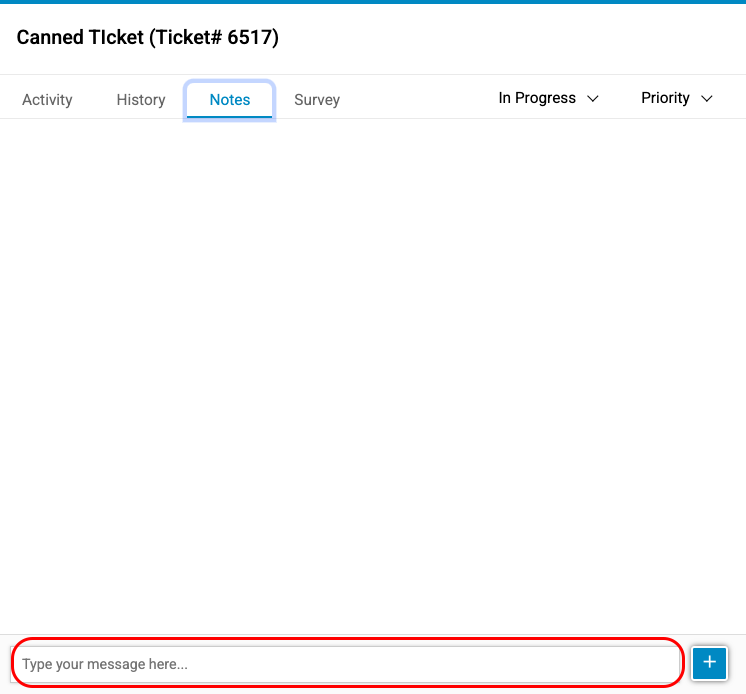
Notes Screen