Dispose chat allows an operator to close an ongoing chat with visitor.
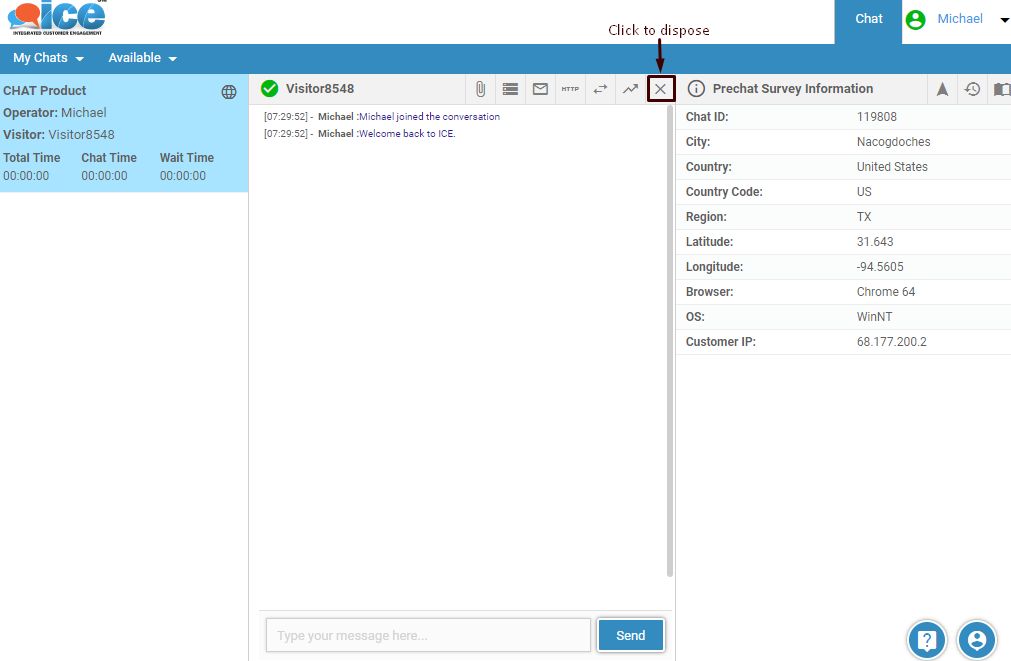
- To dispose a chat click on
 button on the chat tool bar as shown in the screen below-
- On hovering the pointer over button, the system will display a tool tip as shown below
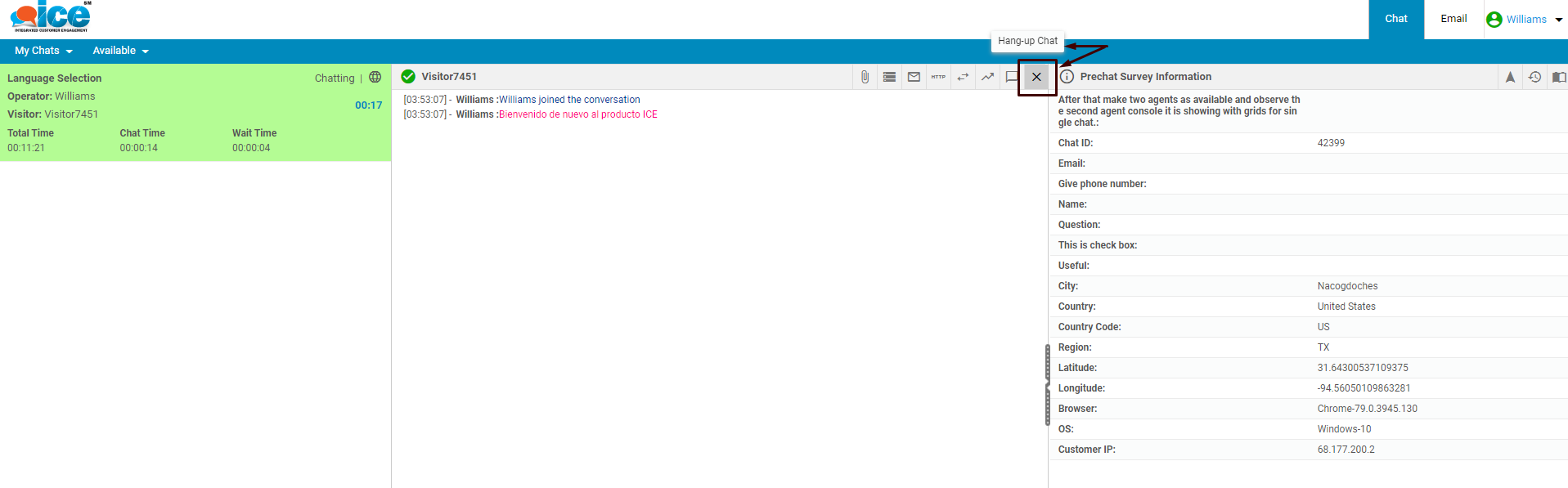
- When operator clicks on button, the system will generate a confirmation popup box on the console-

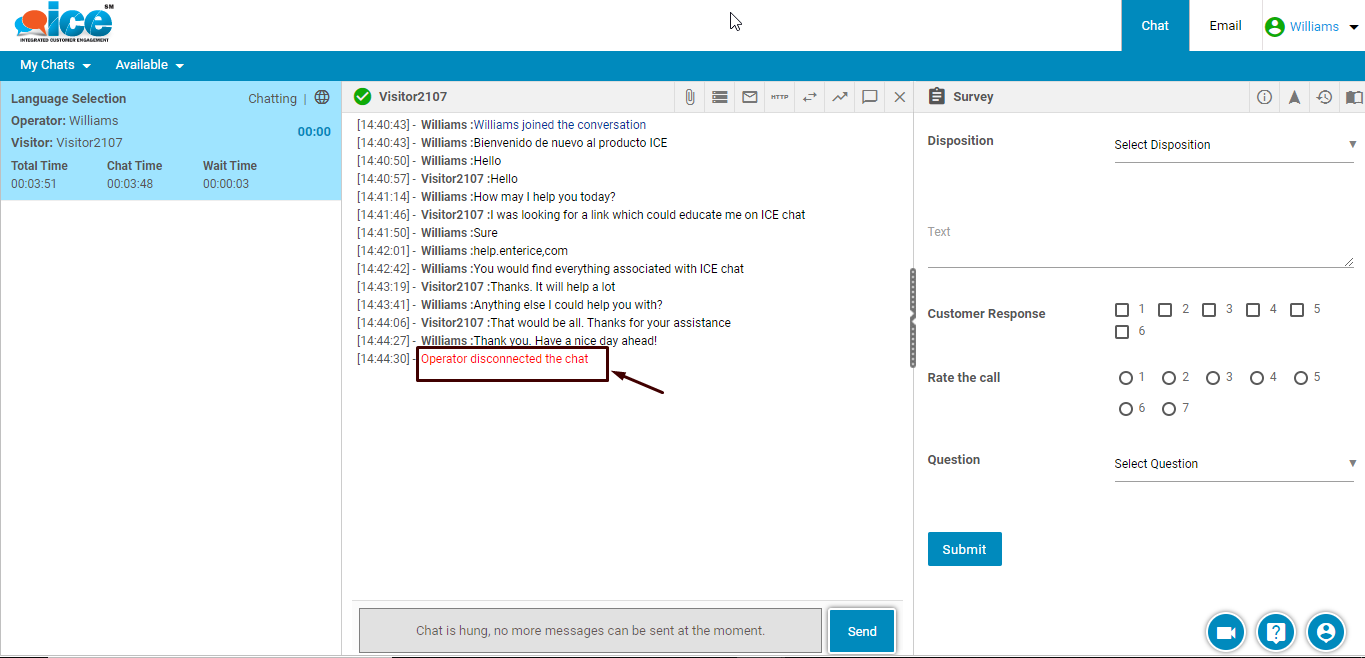
- When Hang-up button is clicked then chat gets disconnected and system generates a chat disconnection message on operator screen. This is as shown highlighted below-
- Select a particular option for disposition from the dropdown box shown highlighted in the screen-
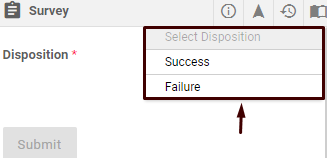
- The
 button is enabled once an option from dropdown box is selected for chat disposition
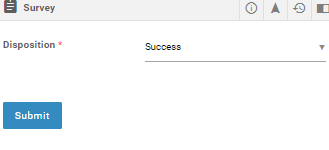
- Click button after selecting a disposition and the chat will be disposed.
Note: Each chat should be disposed before operator logs out from ICE.