A change password screen under the profile popup window is displayed like the one as shown below-
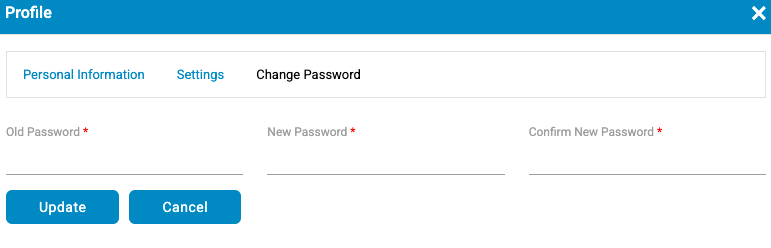
It allows the user to change the existing password and consists of the following entities-
- Old Password- Enter your current password here
- New Password– Enter the New password here
- Confirm New Password– Re-enter the New password same as entered in New Password field.
Note: Password Rules
- Password character range: Minimum 12 – Maximum 128
- Passwords should contain at least one lowercase, one uppercase, one digit, and one special character.
- Valid special characters are – @_#?\$%/^&+*;<>|,)(=’!}{:.][~-
Click  button to update password and
  button to cancel the settings.